Assignment 2: Hierarchical Modeling
Modeling and Animating A 3D Robot Using WebGL
CS465/575 - Computer Graphics I
Bilkent University, Fall 2025-2026
- Due Date:
- 18/11/2025, Tuesday, 15:30-16:20 (B-109, During Class Hour)
- Grade Value:
- 20%
You can do this assignment as a group of two students. The demo will be during the class hour. Every student is required to be in the demo. Demonstrations are a kind of exam, you will be asked questions to understand your contribution during the demo. You must also submit all your source code on Moodle as a zip file, until 23:55 of the same day.
Assignment Overview
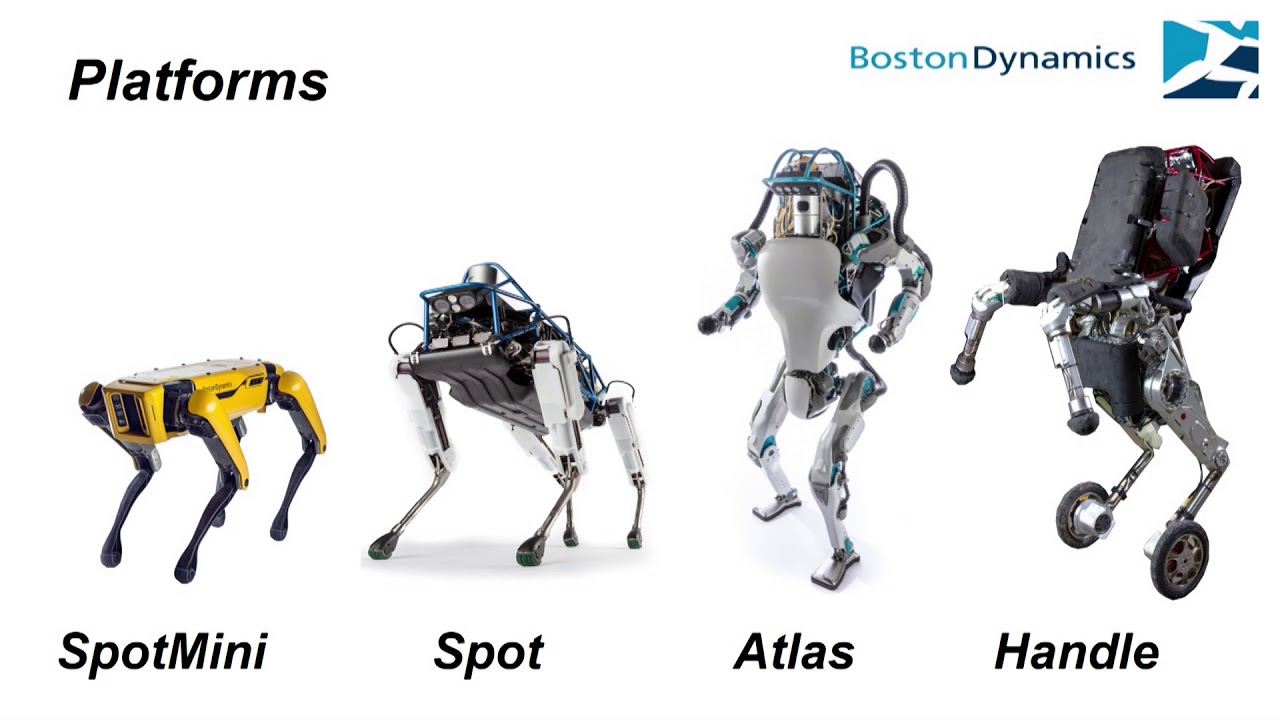
For this assignment, you are going to develop a 3D hierarchical model viewing and animating application using WebGL. You will use the matrix stack and the tree traversal approaches that are used to manipulate the primitives and transformations using the matrix stack discussed in class. Your model should be a robot. You can see some example robots from Boston Dynamics:
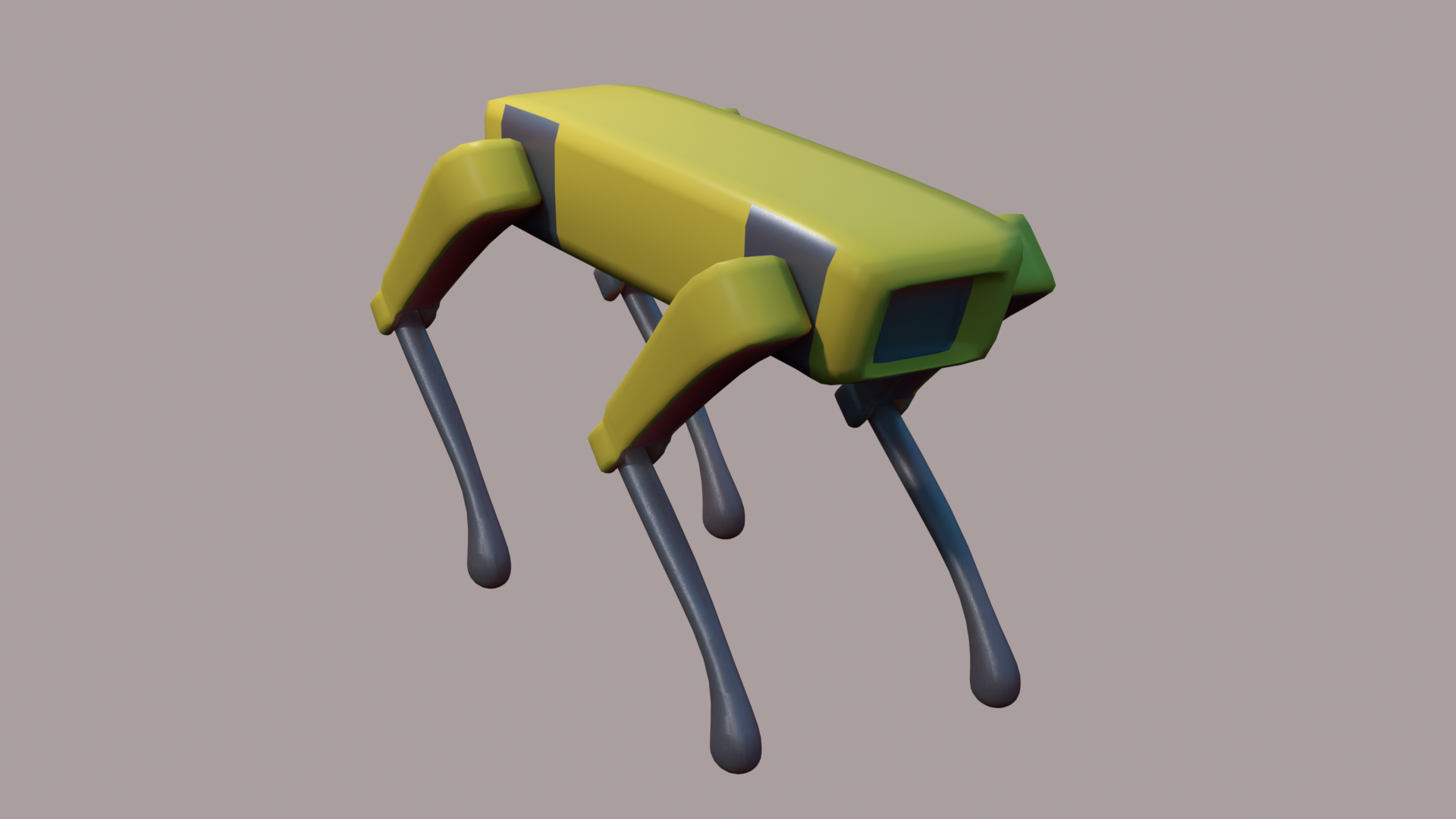
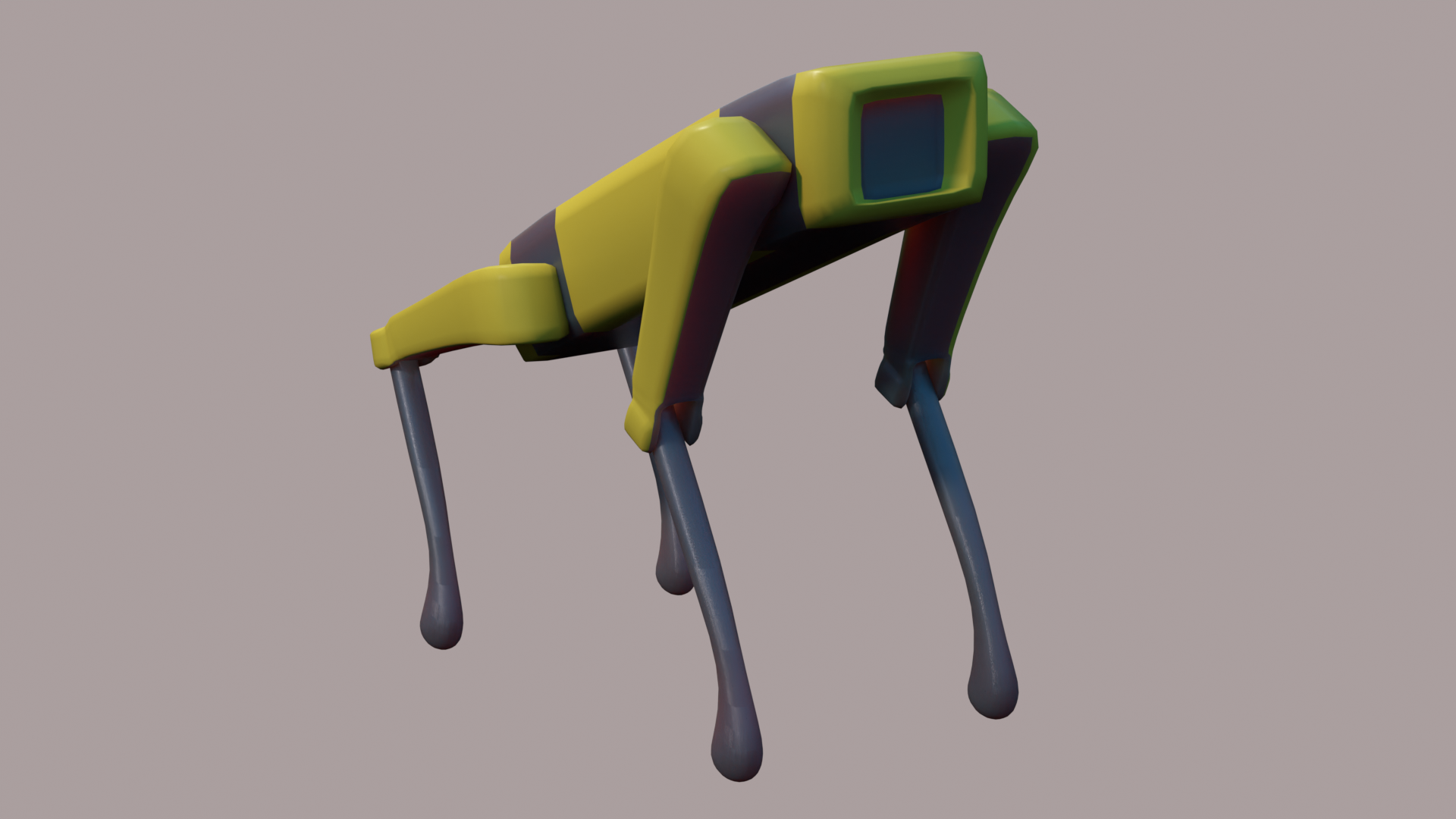
Essentially, you will write a sequence of function calls with appropriate transformations and transformation parameters, and when you execute that segment, it should produce a hierarchical model. When we change the model parameters, it should behave accordingly. You will also animate your robot by changing the model parameters gradually.
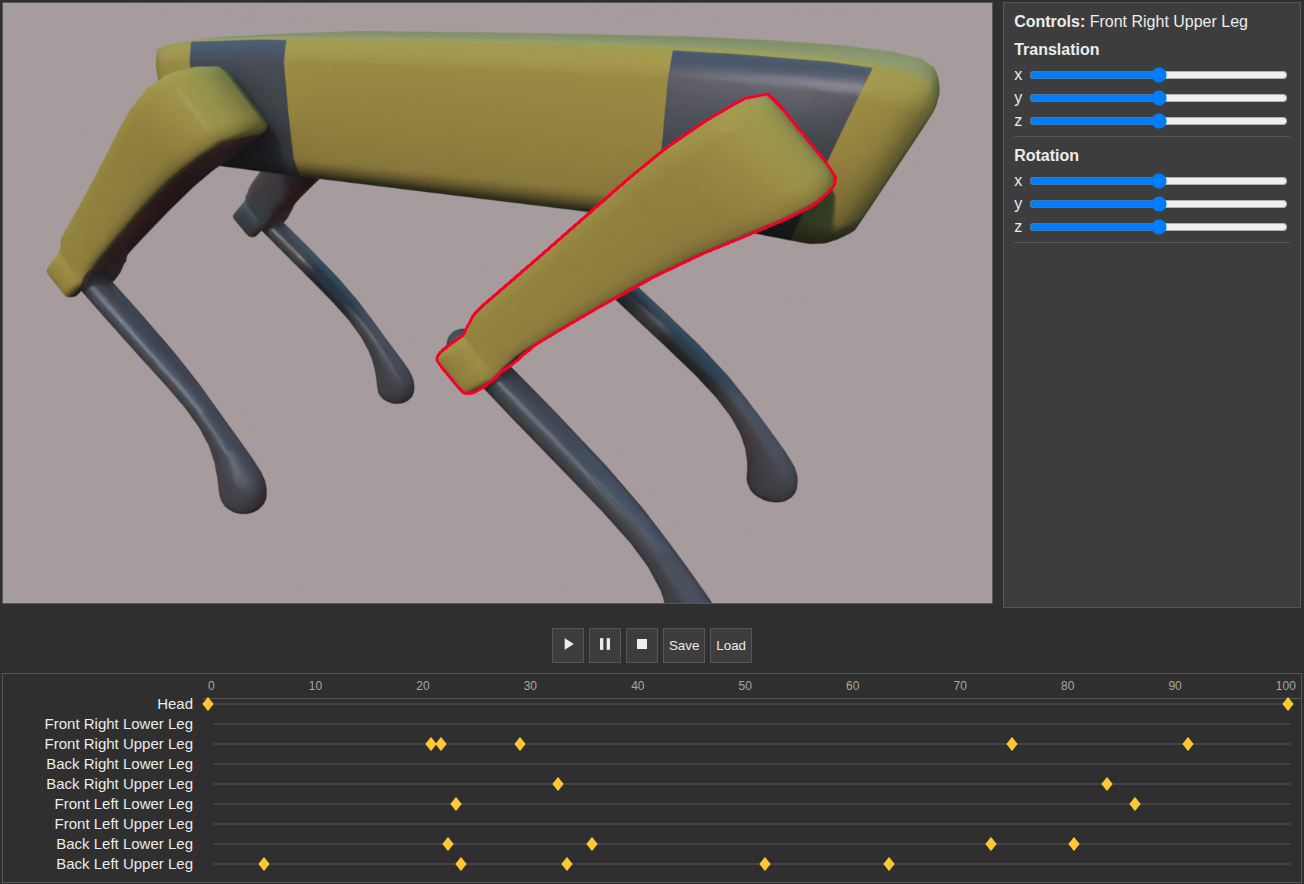
You should build a user interface to display and animate your robot. To this end, define some buttons/sliders for specifying transformation parameters for joint angles and the global position and orientation of the model. You can also select the body parts using the mouse and give any posture to the body parts using the mouse to give a posture to your robot (direct manipulation), as shown in the figure below. You should be able to save a posture as a keyframe.
You should demonstrate at least two sample animations representing different behaviors, such as walking, running, jumping, or any animations of your choice. You can save your animations in the form of frames so that when you play the frames back you will get an animation. You should implement save/load procedures for this purpose. You can save/load your animations in the form of joint transformations for keyframes.
You can use one of the standard projection transformations for 3D to 2D conversion (either orthographic projection or perspective projection transformation 3D to 2D transformation). See the figure.html and figure.js in directory 09 of the Samples Codes for hierarchical modeling of an articulated body.
Grading
Grading will be based on Model Quality, Render Quality, Animation Quality, and Other Functionality. For each category, a maximum number of points can be earned, though actual points may be lower depending on the quality of your work.
1. [25 pts.] Model Quality: You may select one of the following options for your robot model:
a. [15 pts.] You may use one or more of the following primitives to model each joint:
- Rectangular Prisms
- Spheres
- Cylinders
b. [25 pts.] You may model your robot using an external 3D modeling tool, export it as a Wavefront OBJ file, and import it into your application.
2. [25 pts.] Render Quality: You can include the following options for rendering. Note that, you can get a maximum of 25 points from this section, you can implement multiple options.
- [5 pts.] Color: Uniform color for each part
- [10 pts.] Texture: Unlit image texture for each part
- [15 pts.] Shading: Smooth shaded parts
- [20 pts.] Shaded Texture: Smooth shaded parts with texture
3. [25 pts.] Animation Quality:
- [5 pts.] User should be able to set the rotation of the robot's parts at different frames.
- [10 pts.] Using these keyframes, you should interpolate the rotations to produce an animation on the screen.
- [5 pts.] User should be able to save/load these animations.
- [5 pts.] Also, prepare 2 animations beforehand for showing them during the demo.
4. [25 pts.] Other Features:
- [15 pts.] Posture specification
- [15 pts.] User should be able to select the body parts using the mouse and give any posture to the body parts using the mouse to give a posture to your robot (direct manipulation).
- [5 pts.] Using sliders for posture specification as in the sample code.
- [10 pts.] Pan, Zoom in/out
- [10 pts.] User should be able to pan, zoom in/out and rotate the camera.
- [5 pts.] If only using sliders or keyboard keys. 10 points if using mouse. (Orbit Camera)
Tips: Please make sure your program runs in preparation for the demos. You could use simple HTML UI elements or JavaScript (jQuery, AngularJS, jQWidgets, ... etc.) UI widget libraries. There are a vast number of WebGL examples on the web. (Do not use these codes directly). If you use some code for user interface generation or some other purpose with modifications, you must state so at the beginning of that code segment (e.g., method header) and properly state how you modified that code segment.
DO NOT use the third-party wrappers like three.js. Use WebGL from scratch.